
OpsClarity Blog
The Proven SOP Format Framework Federal Agencies Use to Survive Staff Turnover
By Abigale Haynes ·

A consistent standard operating procedure (SOP) format helps your agency preserve important work knowledge when employees retire, rotate to new roles, or leave. It gives staff a repeatable way to find the current instructions, understand their responsibilities, complete each step, and keep the right records.
There is no single SOP format required across every federal agency. But your agency can use a shared framework that makes procedures easier to write, review, train on, and maintain.
Quick answer: Use a standard SOP template with sections for document control, purpose, scope, roles and responsibilities, definitions, procedure steps, records and retention, and revision history. Make each step clear about who does what, what evidence to create, and where it belongs. Then control the current version and train affected staff when the procedure changes.
Free download: you can get the SOP template as a printable, fill-in PDF that follows the format described in this article.
Why does a standard SOP format matter when staff leave?
When a longtime case reviewer retires, they may take years of practical knowledge with them: which cases need a second review, what to do when an application is incomplete, and where to record an exception. If those details exist only in email or memory, a replacement may struggle to keep work moving.
The same risk can arise when an office is reorganized. Responsibilities shift, systems change, and old procedures may still name roles or approval paths that no longer exist. A standardized SOP format gives each office a common structure for capturing and updating that knowledge.
A complete procedure is also useful when an auditor asks for the current instructions behind an intake, review, or approval process. Your agency should be able to identify the approved version and show how it is maintained. The GAO's Standards for Internal Control in the Federal Government emphasize documented policies and procedures as part of an effective internal control system.
What should an agency SOP format include?
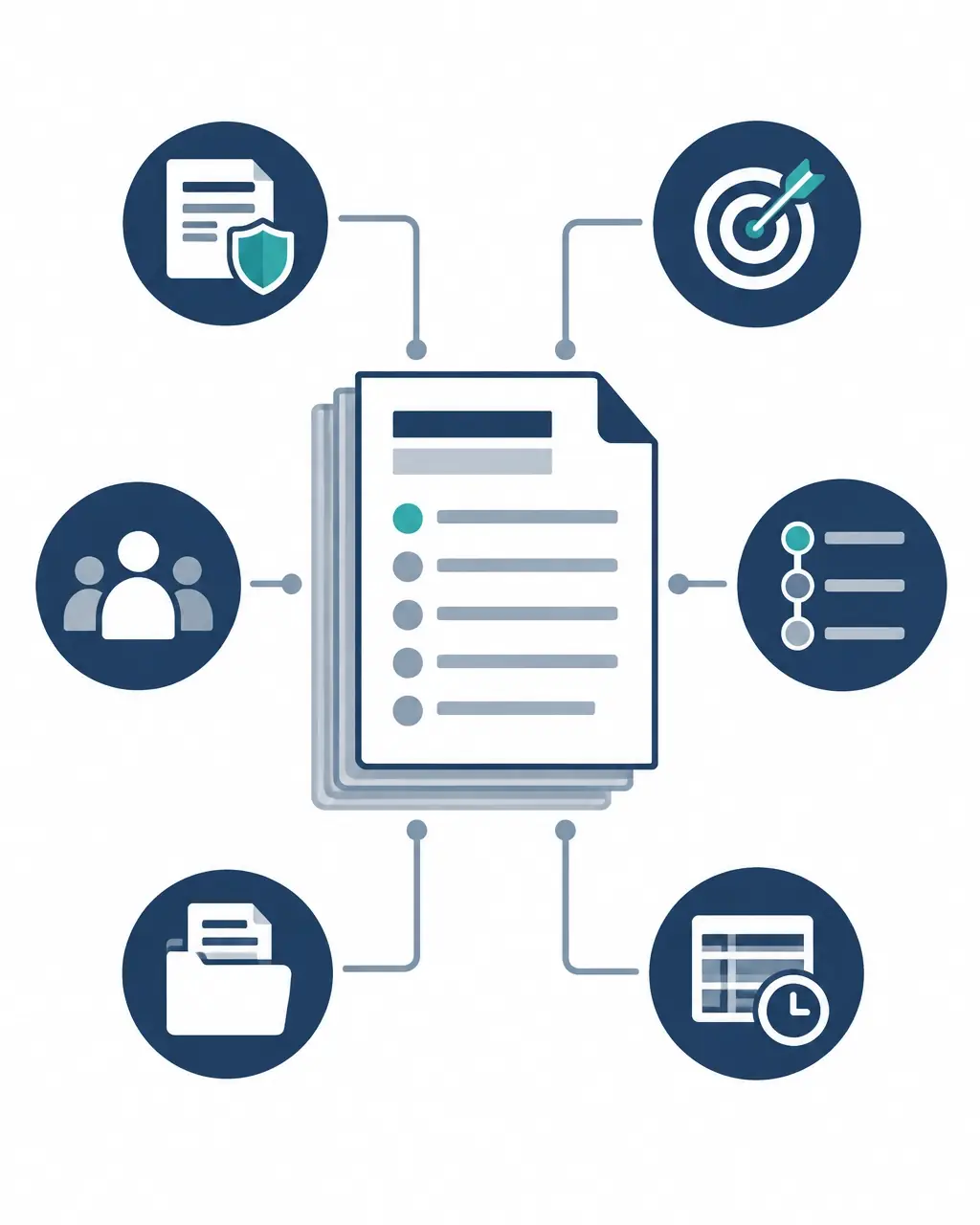
Use the sections below as a reusable framework. Your agency can add sections to address its policies, systems, security needs, and records requirements.
1. Title and document control
Start with a title that identifies the process, such as "Reviewing New Benefits Applications." Add the office or program, a unique document number if your agency uses one, the effective date, the owner, and the approving authority.
Document control means managing a document so staff can identify its approved, current version. Include a version or revision number, status, and location of the authoritative copy. If a printed copy may become outdated, explain how staff can check that it is current.
This section matters during turnover because a new employee should not have to guess which file to follow. It also supports audit-readiness by showing who approved the procedure and when it took effect.
2. Purpose
State what the procedure is for and the result it should produce. Keep the purpose direct. For example: "This SOP explains how staff receive, review, and route complete benefits applications."
A clear purpose helps a reorganized office decide whether the SOP still applies to its work. It also helps managers identify when an old procedure needs review.
3. Scope
Describe what the SOP covers and what it does not. Identify the relevant office, staff roles, systems, records, and any important exclusions.
For example, an intake SOP might cover applications received through an online portal and by mail, but refer urgent cases to a separate escalation procedure. Clear boundaries reduce the chance that a new employee applies an instruction to the wrong process.
4. Roles and responsibilities
Name roles, not just individual employees. Explain who performs each task, who reviews it, who approves an outcome, and who maintains the SOP. Identify backups or alternates where appropriate.
If a case reviewer is retiring, a role-based SOP helps the replacement understand the work without relying on the former employee's personal notes. If responsibilities change during a reorganization, the agency can update the roles section and related steps together.
5. Definitions and references
Define terms or acronyms that staff need to understand. Include references to applicable agency policies, forms, job aids, systems, or records schedules. Avoid filling the SOP with terms that do not affect the work.
If staff use terms such as "complete application," define what makes an application complete. A shared definition can help different offices apply the same standard.
How should you write the procedure steps?
Write the procedure in the order staff perform the work. Use numbered steps and plain language. Begin each step with the responsible role and an action, such as: "The intake specialist checks the application for required fields."
For each important step, make clear:
- Who performs the action.
- What information, form, or system they use.
- What decision they make, including the criteria.
- What happens if information is missing or an exception occurs.
- What record or output the step produces.
- Where to send the work next.
A retiring case reviewer's unwritten practice might be to route incomplete applications back to intake rather than reject them. If that is the approved process, document the decision point, the required notification, and the record of the action. If it is not an approved practice, raise it with the process owner before adding it to the SOP.
Use a process map (a visual view of steps, decisions, and handoffs) when a process has several roles or branches. The map can help staff see the flow, while the SOP explains the required actions in detail.

What should the SOP say about records and retention?
For each major step, identify the record staff create or update, the approved system or location, and any access or handling requirements. Explain how staff should label, file, or route the record so someone else can find it later.
State the applicable records schedule or other approved authority for retention and disposition. Do not invent a retention period in the SOP. Work with your agency's records management staff to confirm the correct authority and how it applies.
The National Archives and Records Administration (NARA) guidance on implementing records schedules explains how agencies put approved schedules into practice. Clear records instructions help a successor understand not just how to complete a task, but how to preserve evidence of the work.
6. Revision history
Record each significant change, including the version, date, summary of the change, and approving authority. Your agency may also track the author, reviewer, reason, and any training needed.
Version control means identifying and maintaining the correct version as a document changes. When an audit asks for current procedures, revision history helps staff distinguish the approved copy from a draft or superseded version.
How do you make the SOP usable for onboarding?
An SOP is part of your training documentation: the materials and records used to teach staff how to perform work and show that training occurred. The procedure should be clear enough to support training, but a new employee may also need a checklist, demonstration, practice cases, or system-specific guidance.
When onboarding a replacement, have them follow the SOP with a trained colleague, then practice the relevant tasks under supervision. Record completion according to your agency's training practices. When a procedure changes, identify who needs to know and whether staff need updated instruction.

How should your agency maintain the SOP framework?
Treat the SOP as part of ongoing process documentation: the written information that explains how work is performed and controlled. Assign an owner who can coordinate reviews with the people who do the work, supervisors, records staff, and other relevant offices.
Set a review trigger or schedule that fits your agency's policies. Revisit the SOP when a process changes, a system is replaced, roles are reorganized, an audit identifies a gap, or staff find that instructions no longer match actual work. Confirm the owner, approval path, related forms, records instructions, and training needs before issuing a new version.
A practical review checklist includes:
- Can a new employee identify the current approved SOP?
- Are the roles, steps, decisions, and handoffs still accurate?
- Does each step explain what record to create and where to keep it?
- Are retention instructions tied to the appropriate agency authority?
- Do affected staff know what changed and whether they need training?
How can your agency put this format to work?
Start with a process that depends heavily on one person's knowledge or has frequent handoffs, such as case review, intake, or approval routing. Ask experienced staff to explain the actual work, then validate the draft with the people who perform and oversee it. If you need to write SOPs consistently across offices, use the same template and review checklist while allowing program-specific instructions where needed.
Nexus Credit Consulting and Solutions helps government agencies develop SOPs, training documents, process documentation, and process maps. Start with the free SOP template, a printable PDF with a title block, roles table, space for a process map, a step table, an escalation table, a review checklist, and revision history.
If you would like help documenting a process, standardizing an SOP format across offices, or building a consistent framework for your agency, book a call with Abigale. A short conversation is usually enough to scope the work.
Nexus Credit Consulting and Solutions LLC · abigale@nexusconsultingah.com · opsclarity.app · © 2026 Nexus Credit Consulting and Solutions LLC. All rights reserved.
Want help applying this in your business?
A short conversation is usually enough to scope the work.