
OpsClarity Blog
Is Your Business Ready for AI? A 7-Point Checklist for 5–200 Person Firms
By Abigale Haynes ·
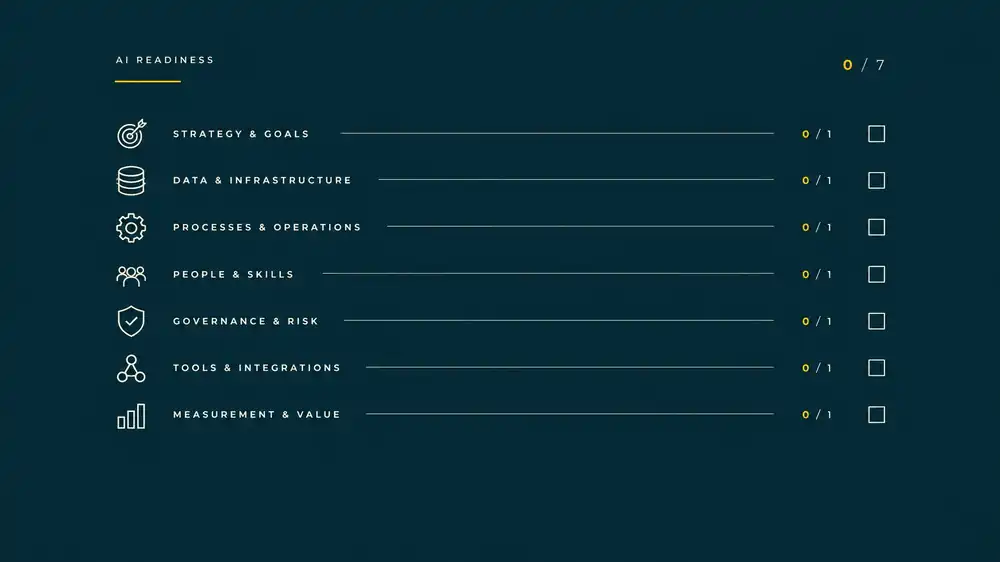
Yes, whether your business is ready for AI is checkable, not a feeling. This seven-point checklist helps you spot the process, data, ownership and measurement gaps to address before you spend money on tools. It is designed for owner-led firms with 5–200 employees, not enterprise IT departments.
An AI readiness checklist is a short set of pass/fail questions about data, processes and ownership that tells a small business whether it can absorb AI tools yet. Before any money is spent.
This is a practical starting point, not a formal certification. Give yourself one point for each item you can clearly answer “yes” to. A low score is not a reason to give up on AI. It is a cue to fix the basics first.
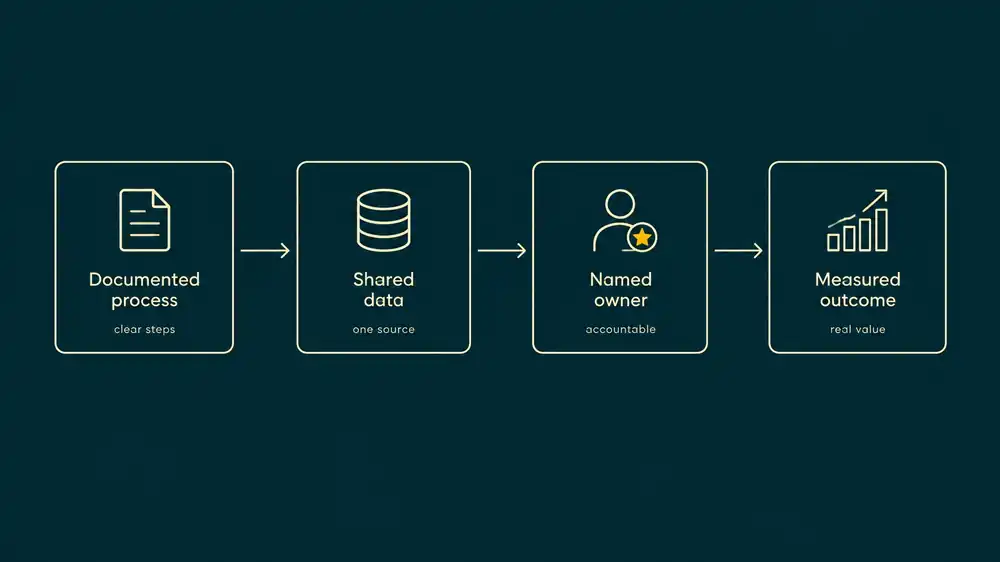
1. Can you point to a written process?
AI needs a task to work on. If the steps live only in someone’s head, the tool will have to guess what happens next. That is risky when the workflow includes handoffs, exceptions or customer decisions.
Look for a current checklist, procedure, template or workflow map. It does not need to be formal. It does need to reflect what your team actually does, including who reviews the work and what happens when something goes wrong.
- Pass: A team member can find the steps and explain the exceptions.
- Fail: Staff describe different processes, or one person is the only source of instructions.
Start with a recurring, well-understood task. Don’t automate a process your team is still trying to agree on.
2. Could someone find the right data?
Before AI can help with a quote, job summary or client question, your team needs to know where the relevant information lives. Check whether key records are in shared, current systems, or scattered across personal drives, inboxes and old spreadsheets.
Ask: What is the system of record? Who can access it? Is the information current enough for the task? Are duplicate or incomplete records common?
- Pass: The team knows where to find the needed information, and access is controlled.
- Fail: Finding a reliable record depends on asking a particular person or searching several unconnected places.
A useful data foundation does not mean buying a new platform. It may mean agreeing on one shared location and cleaning up how information is entered.
3. Is someone accountable for the workflow?
A tool can have an administrator without anyone owning the business result. Those are different responsibilities. The workflow owner knows what should improve, checks whether the process is working and can make a decision when it is not.
- Pass: One named person is accountable for the outcome and can get the right staff involved.
- Fail: “IT,” “the vendor” or “the team” is expected to own it, with no clear decision-maker.
A small firm may have one person wearing several hats. That is fine, as long as responsibility is explicit and the owner has time and authority to act.
4. Does anyone have time to manage a change?
A pilot still needs attention. Someone must help staff learn the new steps, review early results and report problems. If everyone is already at capacity, even a useful tool can become one more task no one has time to maintain.
- Pass: A named owner and the people doing the work have some scheduled time for setup, testing and follow-up.
- Fail: The plan assumes adoption will happen on top of existing workloads without support.
Be realistic about the work involved. A tool that saves time later may take time to set up and check at first.
5. Do you know what the task costs in time?
“Quoting takes too long” is a starting observation, not a baseline. Before changing the process, estimate how often the task happens and how many hours it takes each week. If the work varies, track it for a week or two.
For example, if a task takes 12 hours a week and the blended labour cost is $30 an hour, its annual labour value is 12 × $30 × 52 = $18,720. This is an illustrative estimate of time spent, not a promise of cash savings. The value only materializes if recovered time is actually put to useful work.
- Pass: You have a reasonable estimate of weekly hours, frequency and who does the work.
- Fail: There is no baseline, so you would have no fair way to tell whether the change helped.
6. Do staff know what they may put into AI tools?
Staff may already be trying AI tools. Without clear rules, they may paste information into a service your business has not approved. Decide what information is sensitive, which tools are allowed and when a person must check an output.
- Pass: Staff have clear, written guidance on approved uses, data they must not share and review requirements.
- Fail: People rely on assumptions, or there are no rules about client, employee or financial information.
The NIST AI Risk Management Framework offers a useful way to think about identifying and managing AI risks. You do not need to implement an enterprise programme to establish sensible rules for your team.
7. Can you define “worth it” as a number?
Before a pilot, decide what result would justify continuing. It might be hours saved per week, faster response time, fewer errors or a reduction in outside costs. Pick a measure that matches the task and set a baseline first.
- Pass: You can name one measurable outcome and a threshold for continuing, changing or stopping.
- Fail: Success means only that the tool seems impressive or people say they like it.
The number does not have to be perfect. It needs to be clear enough to compare against the current process.
What does a 4-of-7 result mean?
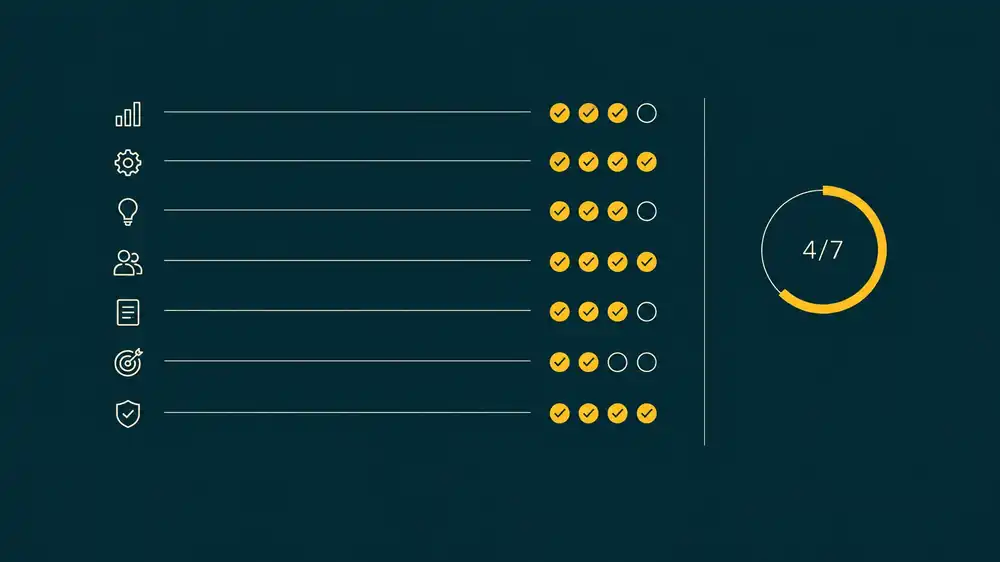
Illustrative example: A 25-person service firm scores itself on the checklist. It passes on having written steps, findable shared data, a named workflow owner and an estimate of weekly time spent. It fails on protected staff capacity, written AI-use rules and a defined success target.
A 4-of-7 result does not mean the firm must avoid AI. It means buying a tool now would skip important preparation. The sensible sequence is to set basic usage rules, assign time for the change and agree on a measurable result. Then choose a small, low-risk task to test.
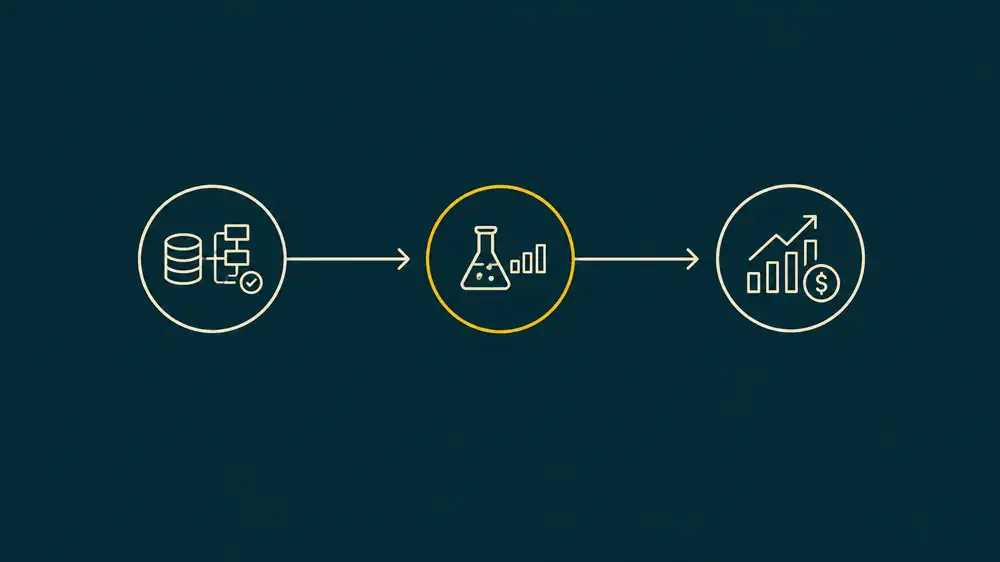
There is no universal score that makes every business “ready.” Some gaps matter more than others: unclear data permissions or no process owner may be a reason to pause, even if the total score looks high. Readiness is about whether you can run a specific use case safely and measure what it changes.
If you are planning the steps after this checklist, read the AI adoption roadmap for small businesses. And if you are comparing outside help, see OpsClarity vs. traditional AI consulting firms.
Frequently asked questions
How long does an AI readiness check take?
You can work through this checklist in a short meeting with the people who know the workflow. A more detailed assessment takes longer. The OpsClarity guided session typically takes 45–70 minutes and can be paused and resumed.
What score do you need before buying AI tools?
There is no universal pass score. Check for the conditions your chosen use case depends on: a defined process, appropriate data access, an accountable owner, clear usage rules and a measurable goal.
Can a 10-person business be AI-ready?
Yes. Readiness is not about company size or a dedicated IT team. A 10-person firm can be ready for a narrow, low-risk task if it knows the process, controls the data and assigns someone to review results.
What is the difference between a checklist and an assessment?
A checklist helps you spot gaps. A structured assessment scores readiness across multiple dimensions, considers dependencies and turns the findings into a prioritized roadmap.
Turn your checklist into a plan
OpsClarity does not sell AI tools and requires no retainer. The OpsClarity AI Readiness Assessment turns this checklist into a scored result in one session, from $497. It scores data foundation, process definition, team capacity, pipeline hygiene and commercial case, then provides a roadmap ranked by what pays for itself first. 90 days of support are included.
Start the OpsClarity AI Readiness Assessment, or book a 30-minute call if you would rather talk through your situation first.